How it works
From signup to first sale — the same day
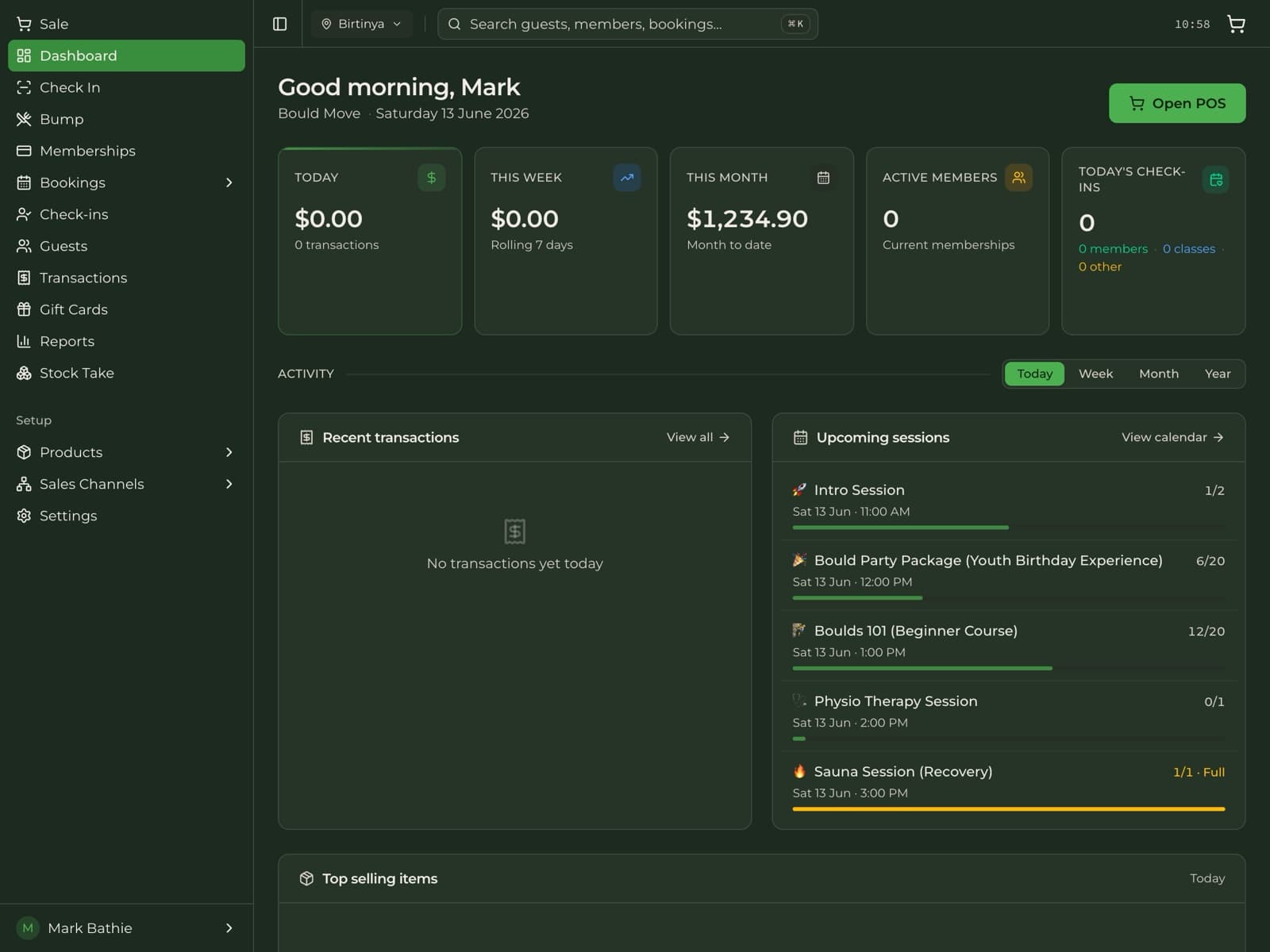
Cultcha is refreshingly self-serve, end to end. Create your account, configure what you sell, and start taking payments — no sales call, no installation, no lock-in.
Step 1
~2 minutes
Create your account
Sign up and create your organization in under two minutes — no credit card and no sales call. Add your business details and locations, then connect your own Stripe account so payouts go straight to you.
- Self-serve signup — no demo gatekeeping
- Add one or many locations
- Connect your own Stripe account for payouts
Step 2
~15 minutes
Configure your offering
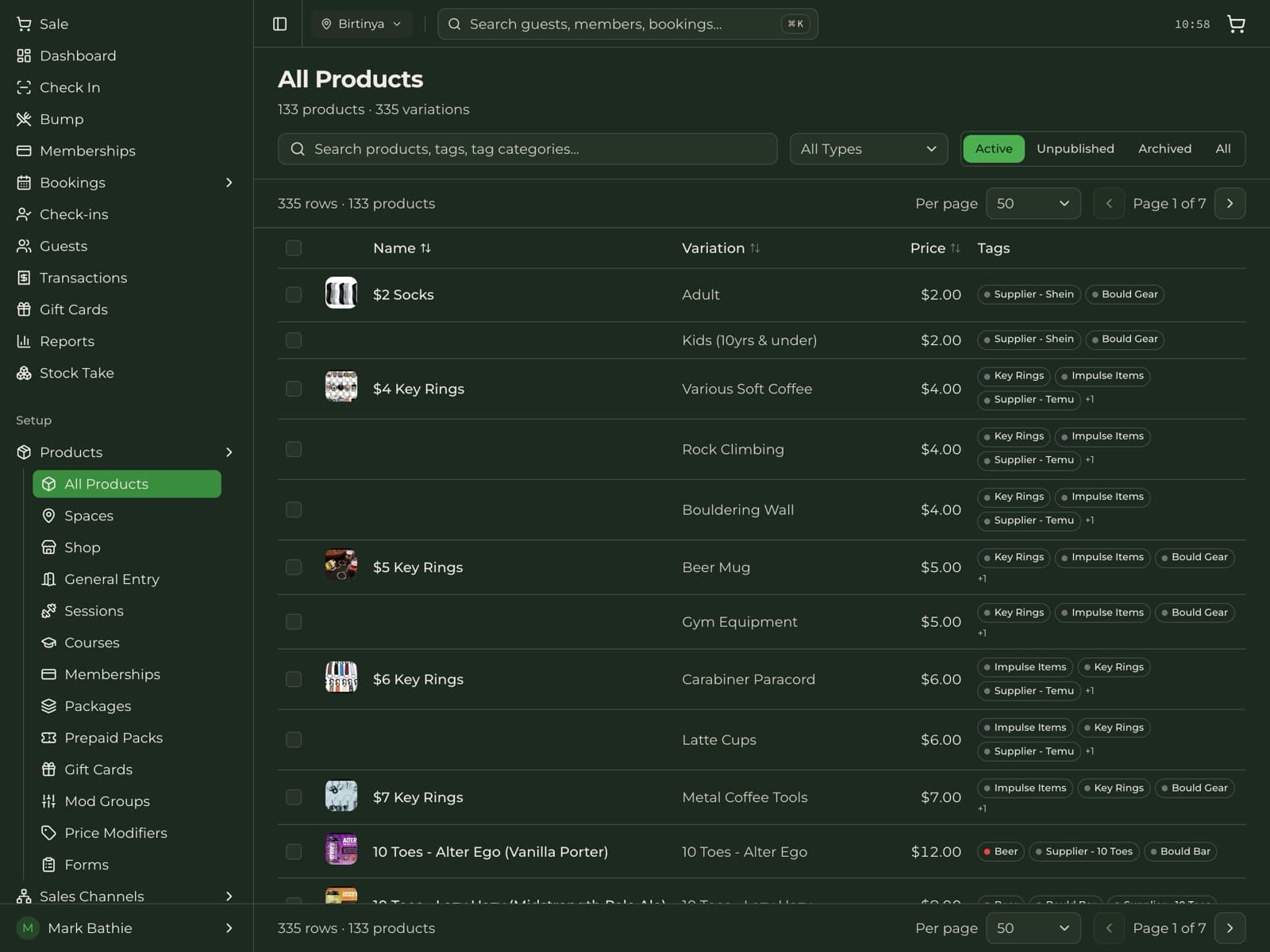
Build out what you sell. Add retail products, memberships, classes and courses, passes and packs, and gift cards. Lay out your POS with folders and drag-and-drop, set up modifiers for your cafe, and add any waivers or custom forms customers complete at signup.
- Products, memberships, classes, courses, and packs
- Drag-and-drop POS layout with folders and modifiers
- Digital waivers and custom forms attached per product
- Prefer to skip the clicks? Set it up by chat with AI (see below)
Step 3
Same day
Start selling
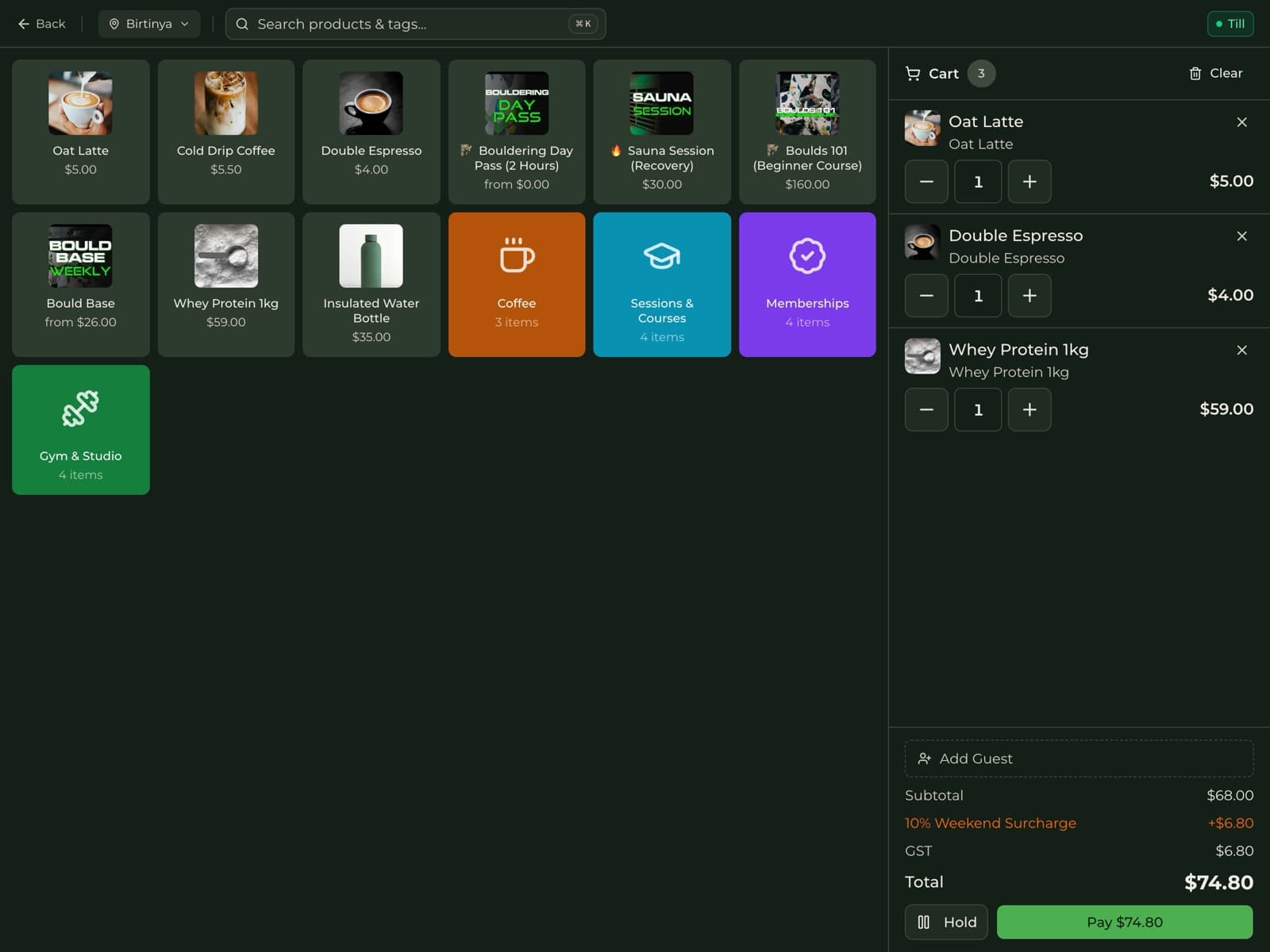
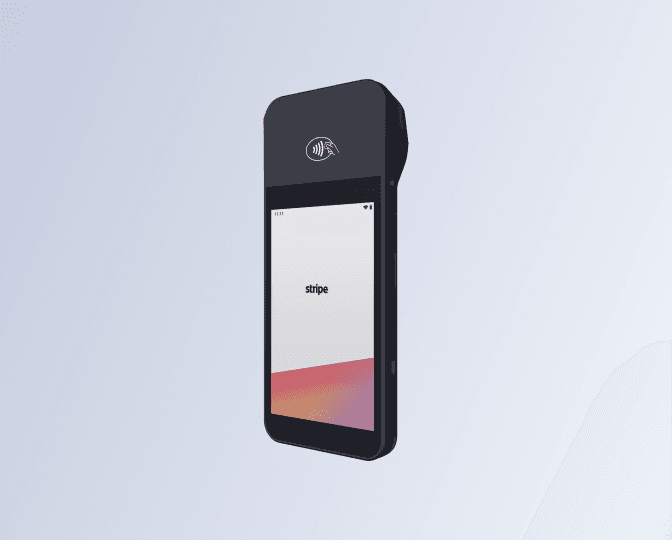
Open your doors. Take payments in person with a Stripe Terminal reader or online through your branded customer portal, check members in by QR code, and watch revenue, attendance, and membership numbers update in real time.
- Tap, chip, and contactless via Stripe Terminal
- QR check-in for members, sessions, and passes
- Live reporting on revenue, attendance, and growth
- Ask Claude or ChatGPT for reports in plain English
 Stripe Terminal
Even faster with AI
Or skip the clicks — set it up by chat
Cultcha is API-first with a built-in MCP server, so an assistant like Claude, ChatGPT, or Cursor can do the setup with you. Describe your business in plain English and it builds your products, memberships, and POS — then pulls your reports on demand.
- Configure products & catalogue by chat, via the API
- Ask for revenue, attendance & membership reports in plain English
- Connect Claude, ChatGPT, Cursor, or any MCP client
- Your own scoped API key — created and revoked by you
via Cultcha MCP
Done — created Unlimited Monthly ($120/mo) and 10-Class Pass ($150). Want me to add them to the POS layout?For your customers
Your customers get their own app, too
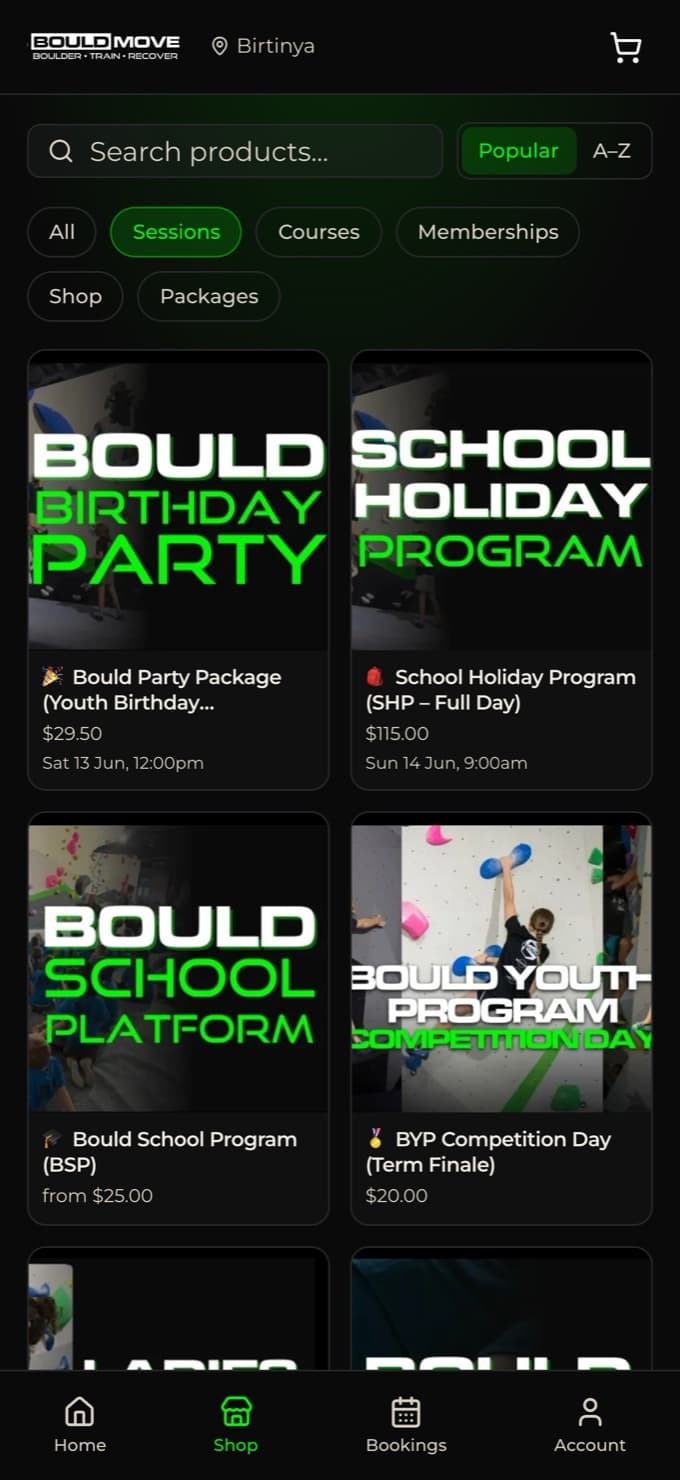
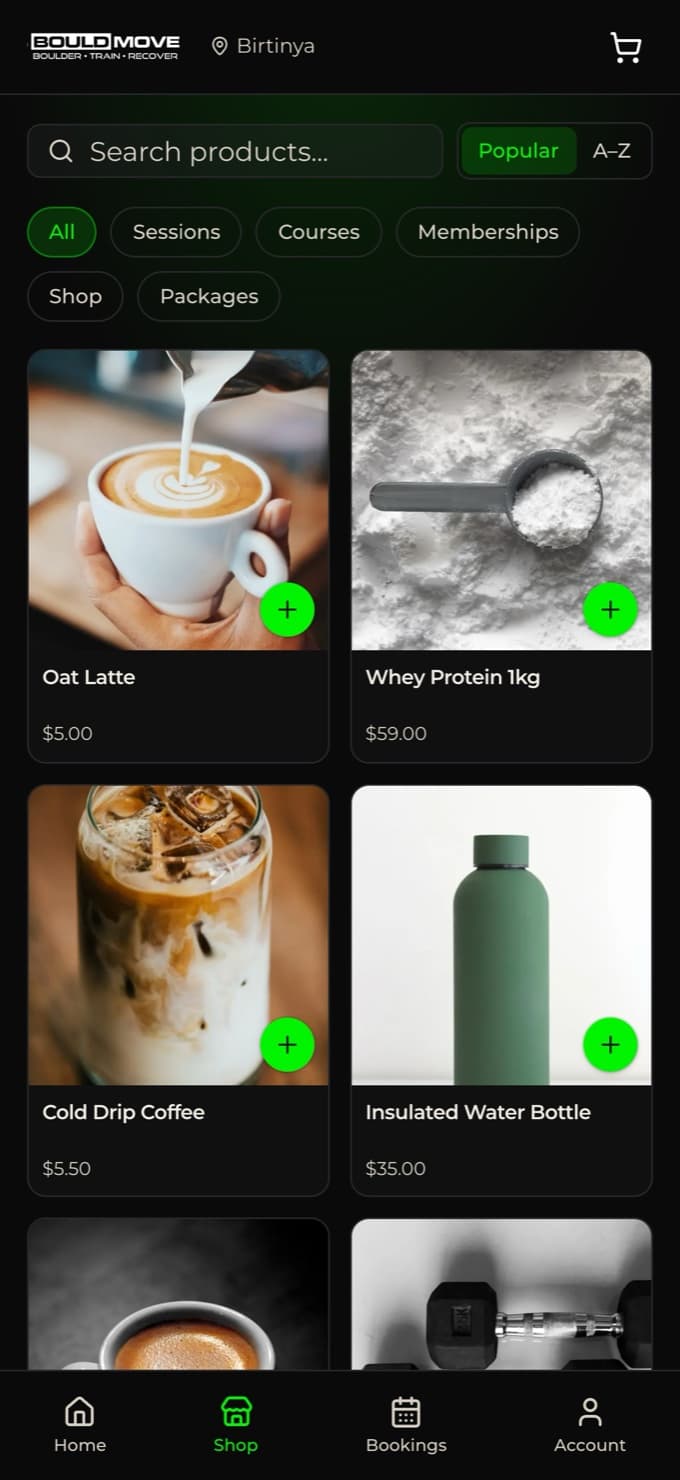
Customize it with your own logo and theme colour, then let members and guests order remotely or in-store, book classes and courses, view their membership, and store a card on file — without calling or emailing you.
- Your branding — custom logo and theme colour
- Order remotely or in-store, right in the app
- Book classes and courses, view session times
- View membership details and update saved cards
- QR passes for entry and check-in
What you need to get started
There’s very little to gather — most of it you already have.
A Stripe account
Connect an existing Stripe account or create one during setup. Payments and payouts run through your own account at Stripe’s standard rates.
Your product list
Roughly what you sell — memberships, classes, passes, retail items. You can start with a few and add the rest as you go.
About 15 minutes
That’s the typical time from signup to taking a first payment. No installation, no hardware lock-in — Cultcha runs in the browser.
Switching from another system?
You don’t have to flip a switch overnight. Set Cultcha up alongside your current tools, move your products and memberships across at your own pace, and cut over when you’re confident. Because payments run throughyour own Stripe account, you stay in control of your payouts and customer relationships the whole way.
Frequently asked questions
How long does it take to get started?
Most businesses are up and running the same day. Signup takes a couple of minutes, and configuring your products, memberships, and POS layout typically takes around fifteen — after which you can take payments immediately.
Do I need to talk to sales or book a demo first?
No. Cultcha is fully self-serve. You can create your account, explore every feature, and configure your business without a sales call or scheduled demo.
What do I need before I sign up?
Just your business details and a Stripe account (which you can create during setup). It helps to have a rough list of what you sell, but you can start with a handful of products and add more anytime.
Can I move over from another system?
Yes. You can set Cultcha up alongside your current tools and switch when you’re ready. Because payments flow through your own Stripe account, you keep control of your payout and customer relationships throughout the move.
Do I need special hardware?
No special hardware is required to start — Cultcha runs in any modern browser. For in-person card payments you can add a supported Stripe Terminal reader (WisePOS E, S700, or S710) whenever you’re ready.
Can AI set it up for me?
Yes. Cultcha is API-first with a built-in MCP server, so an assistant like Claude, ChatGPT, or Cursor can build your products, memberships, and POS from a plain-English description — and pull your reports on demand. You generate a scoped API key once you’re signed in, and can revoke it anytime. See the AI page for details.
Ready to see it for yourself?
Create your account and explore every feature free — set up in minutes, no credit card required.